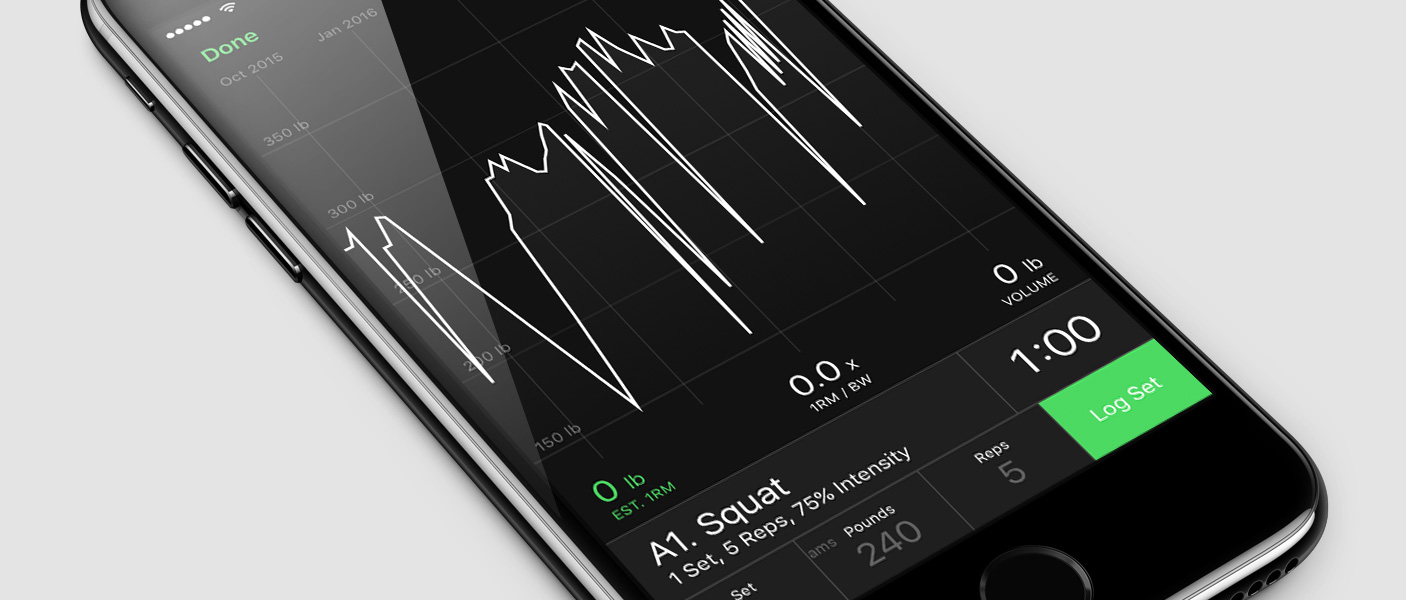


The smart workout log for strength training at the gym.

The smart workout log for strength training at the gym.
Seconds is an extremely popular, and highly versatile interval timer app for High Intensity Interval Training (HIIT), Tabata and circuit training workouts.
Download Seconds for free on iOS or Android and try all it's features. A one time in-app purchase for the Seconds Pro upgrade will allow you to save your timers rather than recreating them each time.


Seconds comes with templates for common interval programming allowing to build advanced timers in a matter of moments.
If the templates do not fit your needs you can use the custom timer to build your timer one interval at a time. You can even combine and loop through many timers using the compound timer.
Often when working out you just want to keep your phone in your pocket and get on with it. But if you are doing a circuit involving many intervals how do you remember what's next?
Seconds will speak your interval names, so this is never a problem. There is even an option to let you know what the next interval is so you have time to prepare before it starts.
If you are looking for a mediation or yoga timer text-to-speech or high pitch beeps may not be appropriate. For situations like these Seconds comes with more soothing alerts such as bells and gongs, or you may wish to have no alert sounds at all, or just a vibration. All these options are available.
Seconds provides plenty of options for how you listen to your music while you workout. A few options include:
Of course, if none of those suit you, you can simply listen to your favourite music player in the background and Seconds will play it's alerts over the top.
Importing and exporting timers from Seconds Pro could not be simpler. Just select the timers you wish to share and hit Export. Timers can be sent via email or AirDrop (on iOS devices).
Timers can even be shared with friends that don't have the app via the web sharing function. Once shared, an online timer will be created for anyone to use on any device.
Seconds Interval Timer will continue to alert you of interval changes whether in the background or the foreground.
Colored intervals are great when you just need a visual clue to see which interval you are on and what is coming up next. Seconds displays the the whole screen in the current intervals color, apart from the next interval which uses it's own color.
Seconds has 10 colors to choose from with an advanced option to customize the colors if you wish.
Seconds utilises all the available width for the main timer display so it's easy to read at a glance. By default it displays the interval time remaining, but can be configured to show total time remaining, or elapsed times.
The only app I’ve found that really lets me do what I want to do with customization of workouts. Highly recommended.
I have been using this app over 10 years. I love it.
I’ve now bought this app on both android and iOS because I love it so much, the sheer customizability and thoughtfulness of the design make it super easy to use for any purpose
Okay, it’s not free but it’s not 99$/yr and you get something that really delivers (and more)! I have been using it for many years now and it just keeps getting better. And it is complex without being confusing. You pay once and you will keep using it.
Hello,
A very reliable, versatile, easy-to-use, and very inexpensive timer. It's been going strong for several years. Thank you very much.
Is there a newer version I could install on a newer iPad?
Thank you very much, J-Y
Had this app for ages - great for workouts to stretch routines. Highly recommend!
Great for building workout routines or running challenges
The app has just the right feature set, in a functional UI. best of all, it’s a one-time purchase and doesn’t force a login on the user.
I love this app it’s my bread and butter for my workouts
I was looking for an app that would allow me to build somewhat detailed timers for working out at home. Not only does this app allow you to do that, but I can pre-build my entire workout day by day for the whole week and I don’t have to think so much about how much time is left, what’s next, or how many sets remain. My only tiny critique is that I wish it let you track how many times you’ve used a timer, as I have seen other apps do that and it would allow me to track my weekly fitness goals easier. All in all though, really great!
So easy to use and to create your own workouts. Reliable and bug free. You can't go wrong!
Enables me to enter my workouts that I’m going to do for my YouTube channel!